One workspace per client brand
Each client brand has its own KlavyFlow workspace. Use the workspace selector to review that brand, and Add another client when you take on the next one.
A selector for every client
The workspace selector lists the brands you can review. On setup, Add another client creates the next workspace. Each workspace connects one Klaviyo account, keeps its own members, and has its own subscription: $95/month or $995/year, including those members.
Flows on a day-by-day timeline
Email flows for the selected workspace sit on a schedule. Day 1 is the first 24 hours after the trigger. Compare up to five flows and open an email preview from its place on that timeline. The schedule describes configured timing, not proof that a message was delivered.
Performance is a separate view for one flow, over the last 7, 30, or 90 complete account-local days. It can include non-email messages. Delivered, open rate, click rate, and orders appear when those observations exist. A missing result stays unavailable.
Campaigns stay in that workspace
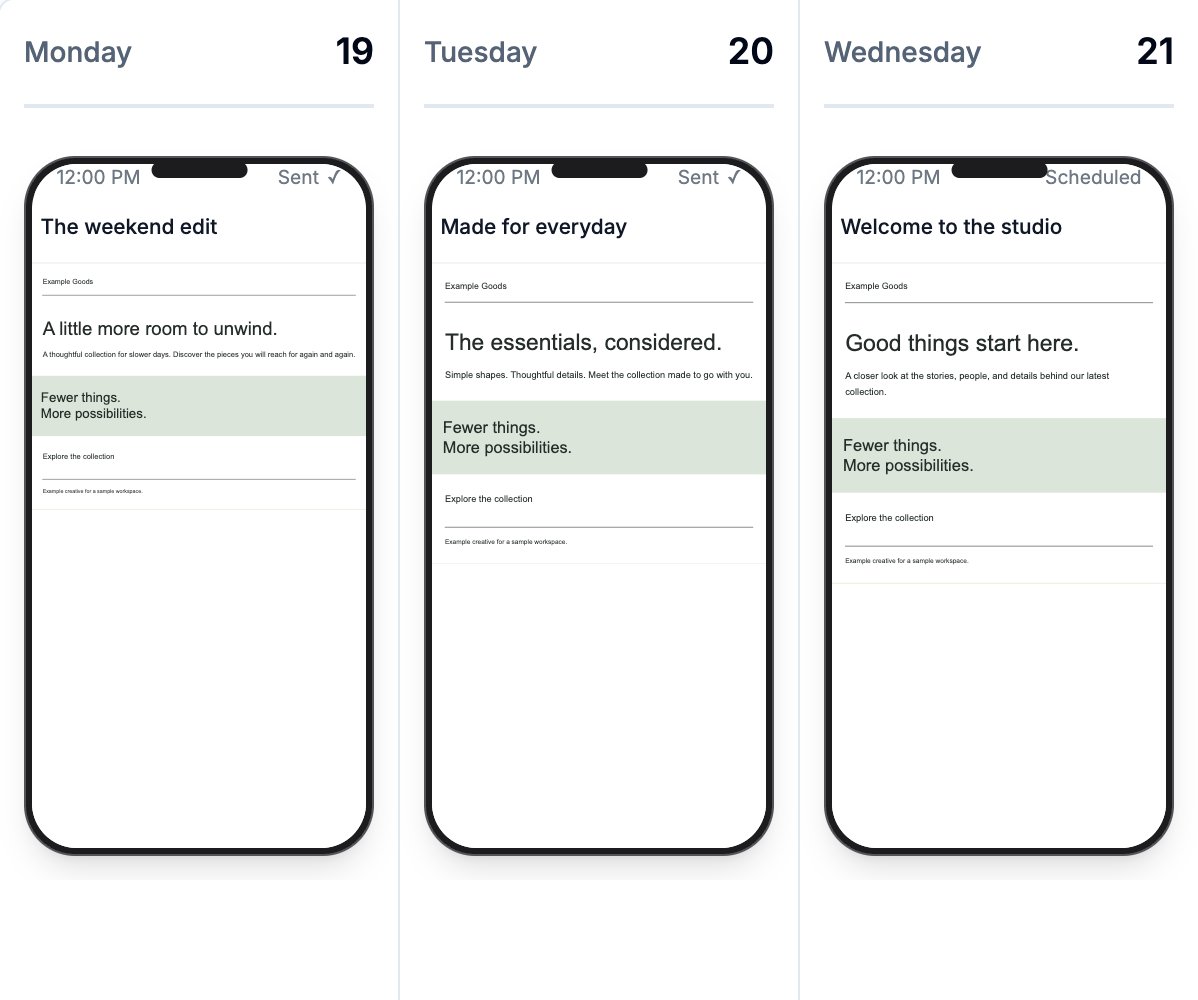
The same workspace shows that brand’s campaign week: send days, creative, and available results. Select the next workspace to review the next client. Each brand’s calendar stays with its own account.
The 14-day trial starts when the workspace connects Klaviyo. No payment card is required. Reconnecting does not restart the trial. After it ends, current-week campaigns remain available. Campaign history and flows require a paid plan.
14-day trial, then $95/month per client workspace. No payment card required. Or $995/year.