Klaviyo flows on a day-by-day timeline
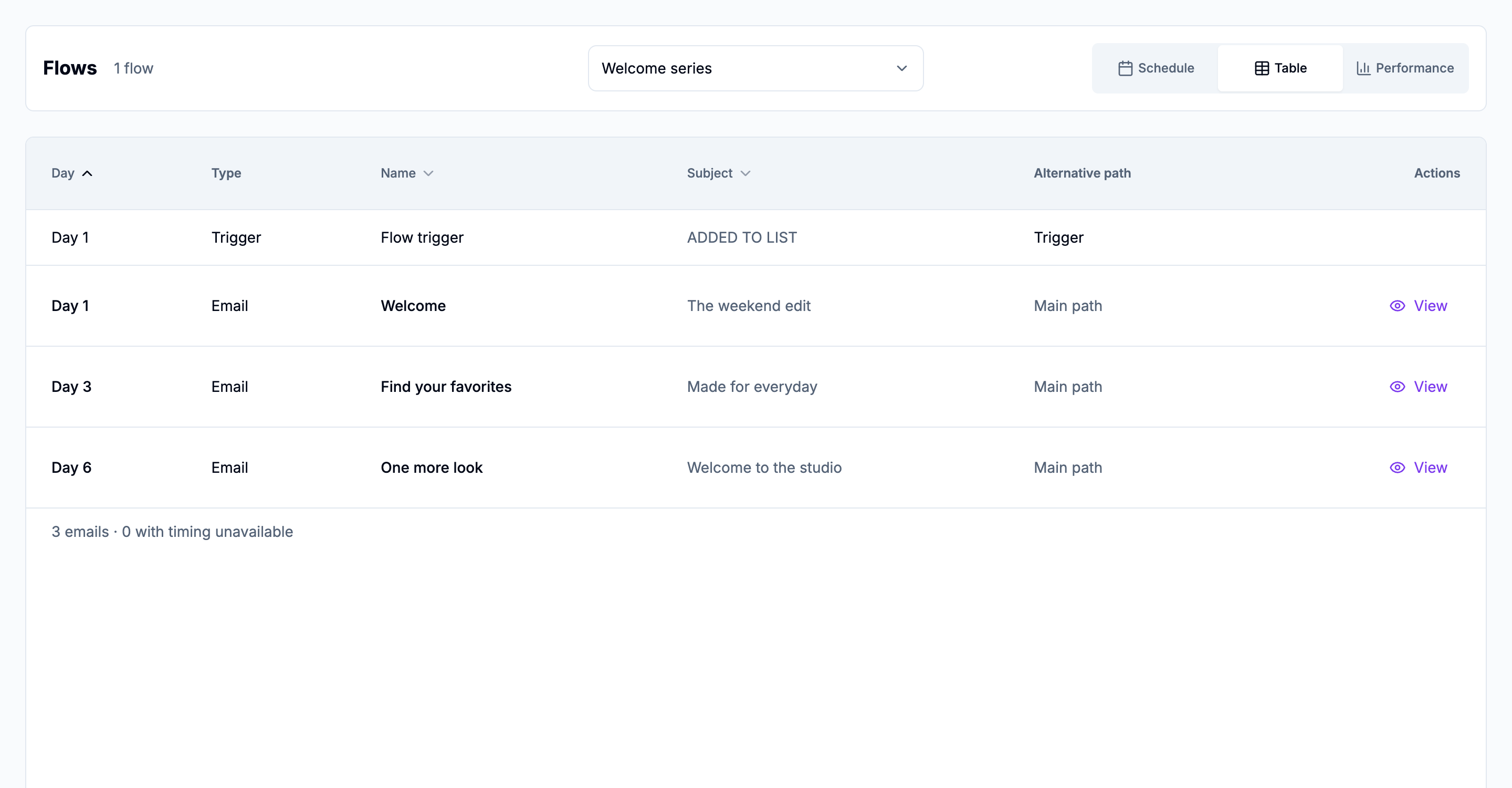
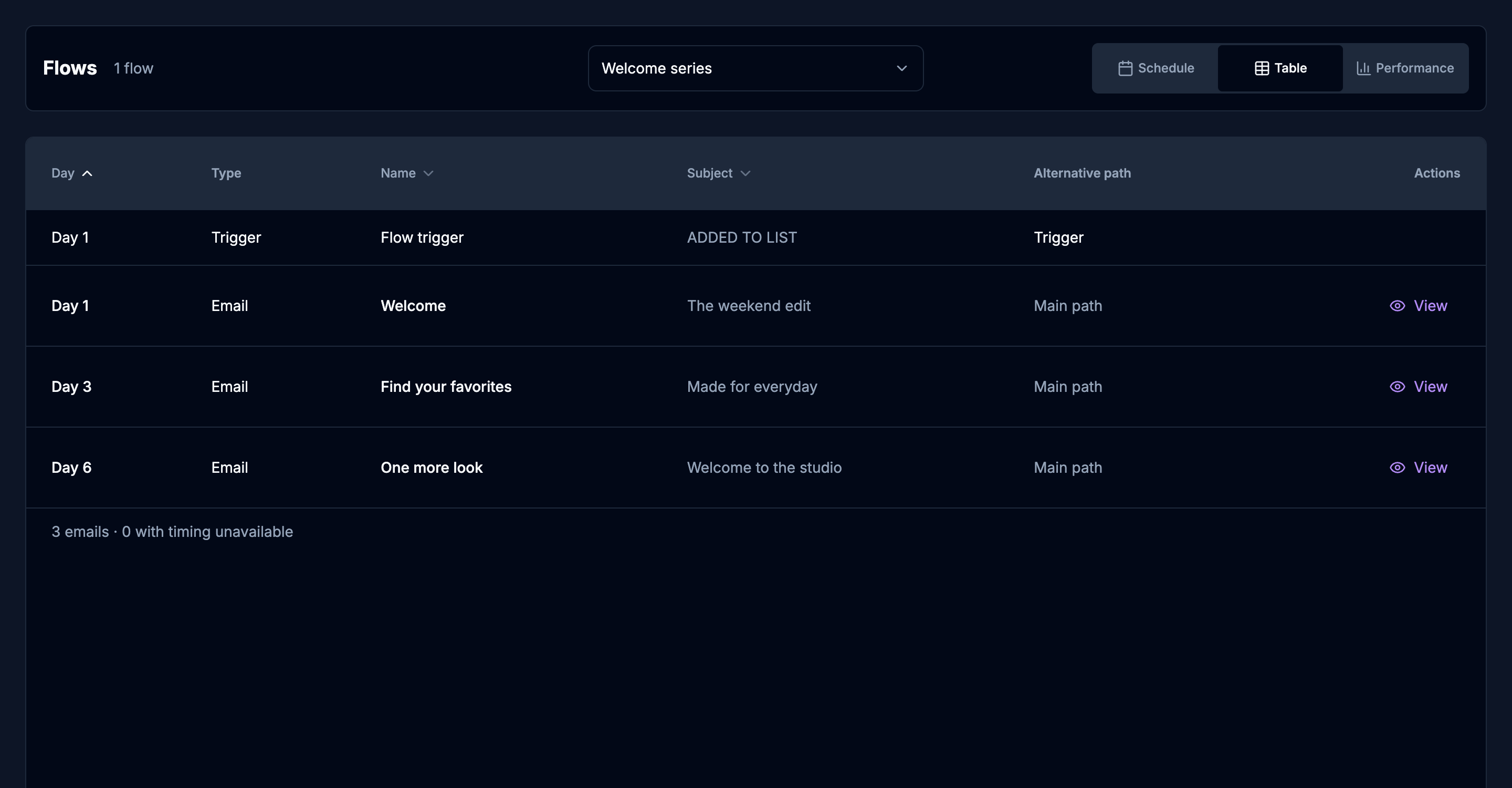
The schedule view places a workspace’s email flows on a timeline. Day 1 is the first 24 hours after the trigger. Compare up to five flows and open an email preview from the day it is placed.
Timing and previews
Each day on the schedule is an elapsed day on the configured path, including alternative branches. Email messages open as previews of the stored creative. When a preview is not available, the message stays without one. The timeline is the automation’s timing, not proof that someone received the email.
Performance for one flow
Performance is separate from the timeline. Choose one flow and the last 7, 30, or 90 complete account-local days. Each message keeps its channel. Delivered, open rate, click rate, and orders show when those observations exist. Open rate is for email. Non-email flows are included in this view. A missing observation stays unavailable and is not filled from another message.
Connect with Klaviyo OAuth
Sign in with Google, create a client workspace, and connect its Klaviyo account. When one-click connection is available, approve the requested read permissions in Klaviyo. A private API key with read access is still supported from the connection form. KlavyFlow does not send mail or edit the flow.
The 14-day trial starts when the workspace connects Klaviyo. No payment card is required. Reconnecting does not restart the trial. After it ends, current-week campaigns remain available. Campaign history and flows require a paid plan.
14-day trial, then $95/month per client workspace. No payment card required. Or $995/year.